

How It Works
Document Generation – Templates & API
All products use the same template-based approach to document generation.
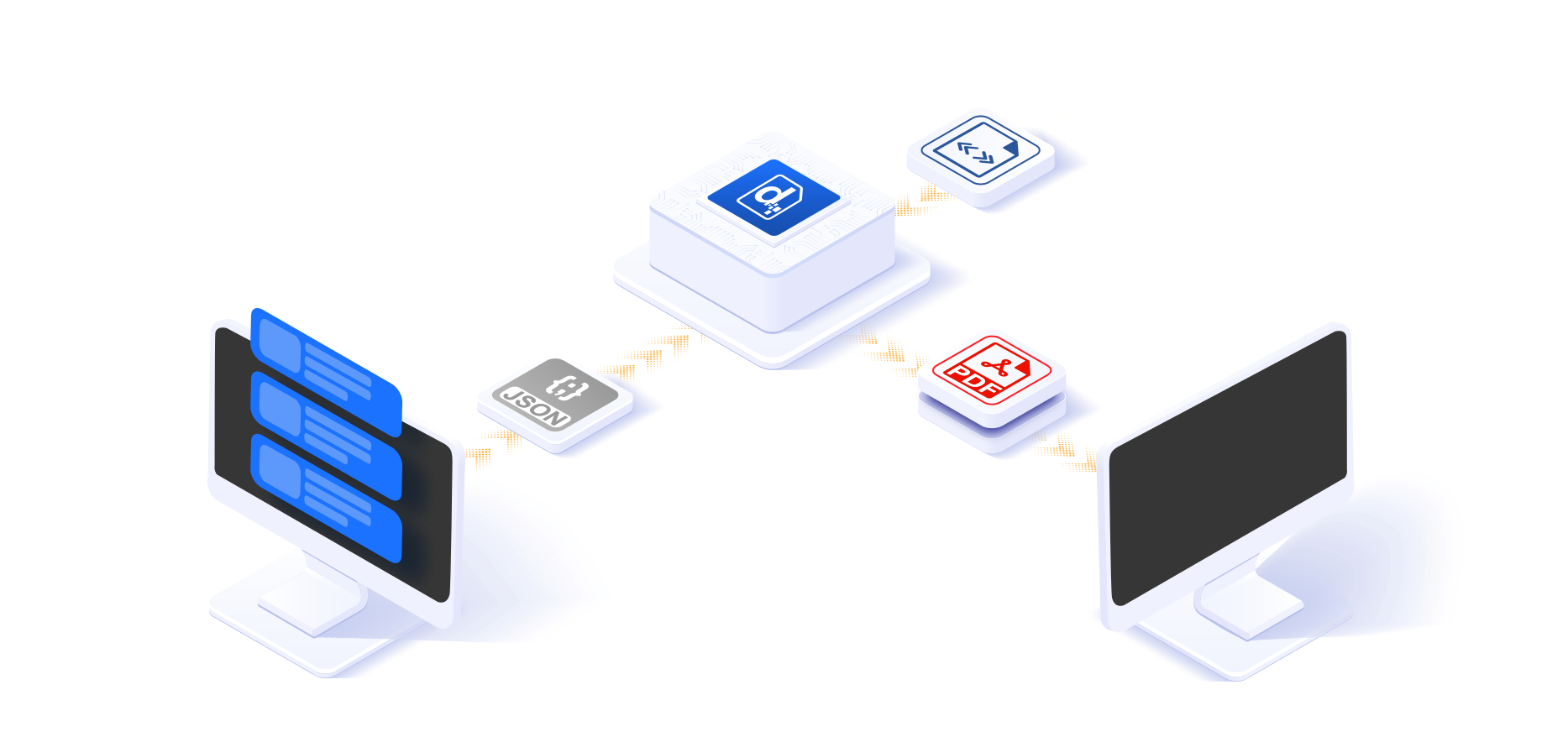
- Send data and instructions to the Docmosis engine.
- Docmosis merges the data with a template.
- The result is converted to the final output format.
- The generated document is delivered as instructed.
Why Templates
Changes are visual, obvious and instantaneous.
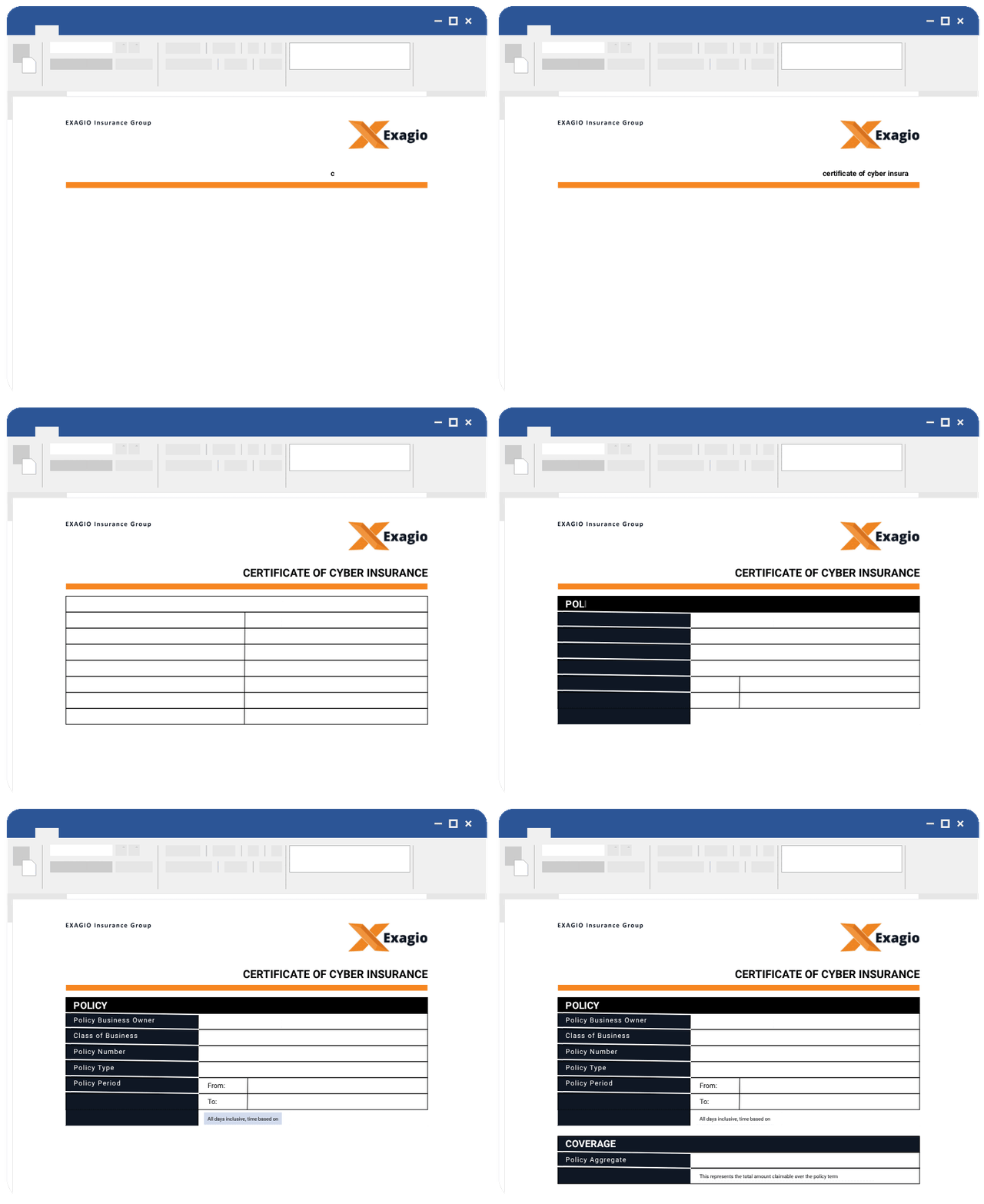
Templates are created, using Microsoft Word or LibreOffice Writer, by inserting special plain-text placeholders to control the position and behaviour of dynamic content.
- Create or modify templates using these well-known, feature-rich editors.
- No plugins or per-user licensing required.
- Anyone, from developers to business teams or end users, can easily make changes to the content and layout of generated documents.

“Docmosis has been a great time saver for Businessolver”
We moved our template implementation and maintenance out of Development and into Operations.
Simple Syntax
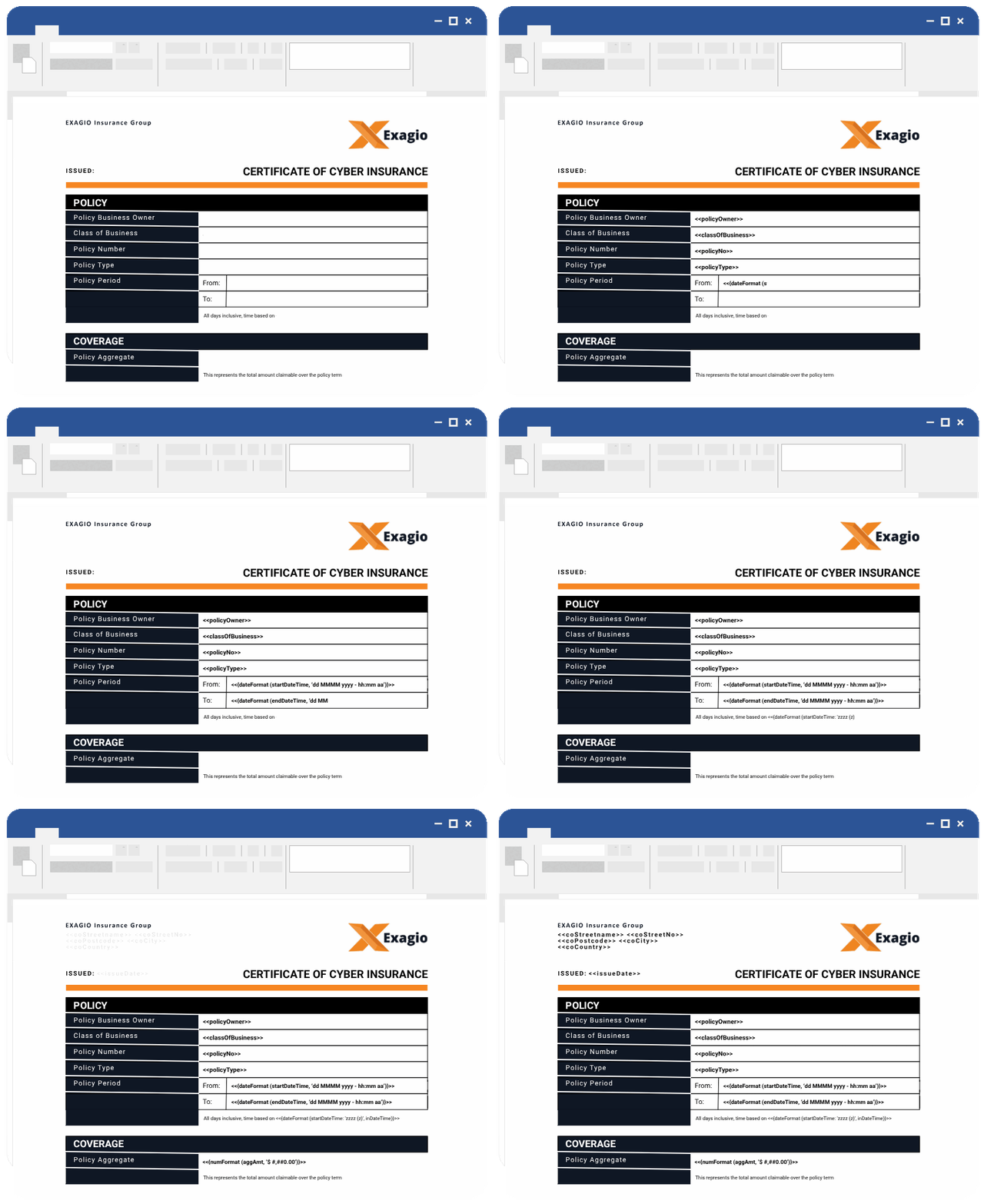
Our simple plain-text placeholders
can be created just by typing.
To specify formatting, such as: font-size; bold; italics; just apply the desired formatting to the placeholder:
<<firstName>>
- Insert dynamic text into the: body, headers and footers.
- Add or remove any content based on data or calculations.
- Loop over repeating data to fill tables or numbered / bullet lists.
- Dynamically insert images, QR codes, barcodes or add watermarking.
- Format data, such as dates/numbers, during the generation process with over 40+ functions.
- Create Master/Sub Templates and perform batch processing operations.
Complex Output
Templates inherit the powerful features of the editors used to create them.
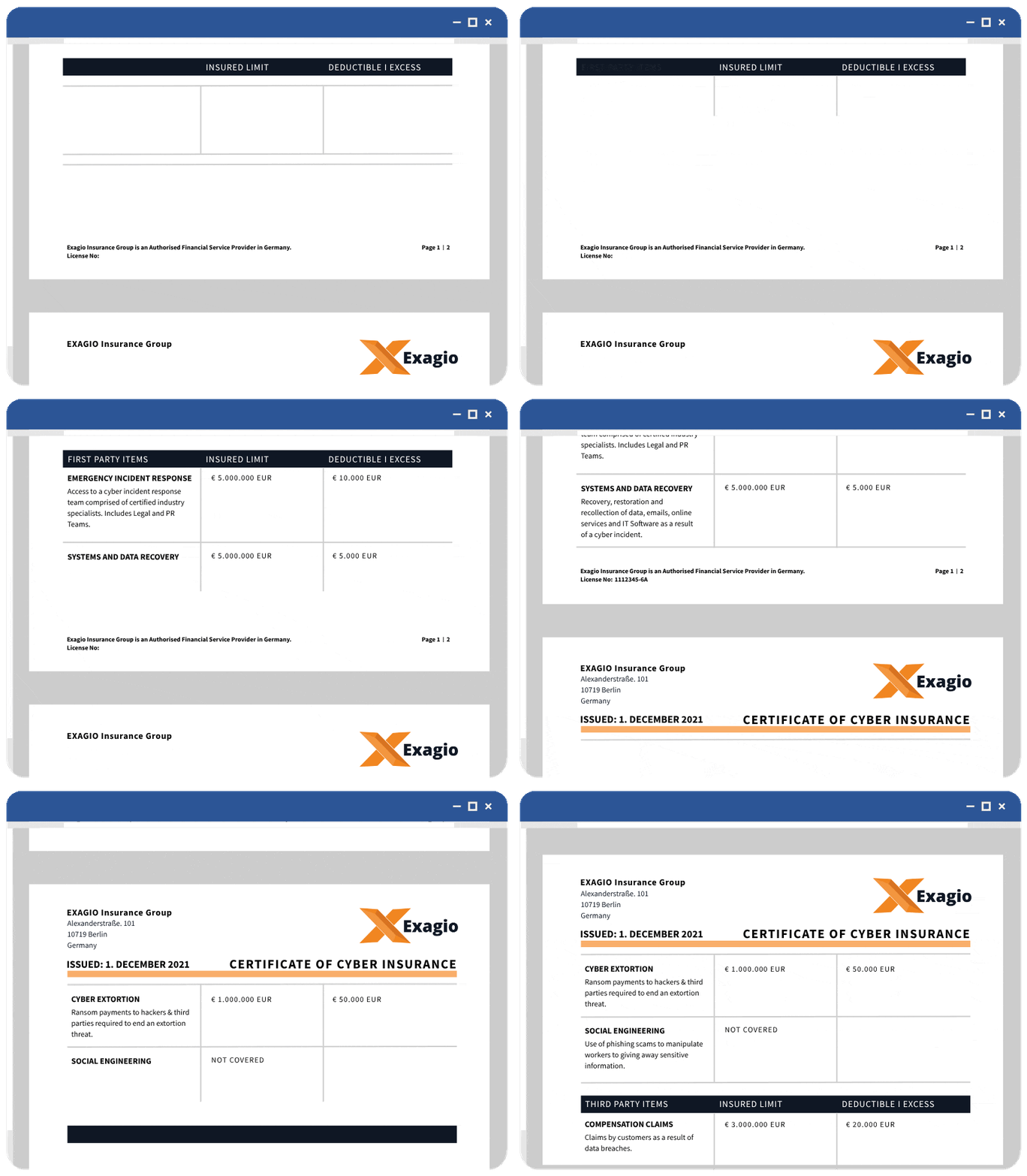
Both Microsoft Word and LibreOffice Writer provide many clever features such as “Keep lines together” or “Allow row to break across pages”. Leveraging these features is the secret to creating intelligent templates that behave in a predictable manner.
- Set page size and orientation including custom sizes/margins.
- Define headers/footers and section headings.
- Add page numbering and dynamic table of contents.
- Set font-size / bold / italics / underline / colour and text alignment.
- Style bullet lists and create customized multi-level numbered lists.
- Insert images in-line, in front and behind text and control text wrapping.
- Create tables with headers rows and end-of-page actions handled for you.

Simple Integration with a Flexible REST API
The application sends data and instructions. Docmosis returns the generated document.
- Simple to integrate. A choice of input data formats, request content-types and authentication options minimizes the integration effort.
- The application drives the process. Docmosis provides the core document-generation work. You control what happens before and after the document is generated.
- Connect with most applications. The API can be called from custom-built applications and third-party platforms that support HTTP requests.
- Find template problems faster. Development-mode highlights errors in generated documents, making problems easier to locate and fix.
Used by Organizations in 40+ Countries
Docmosis generates documents for businesses across finance, insurance, logistics, government and software development.


Formats
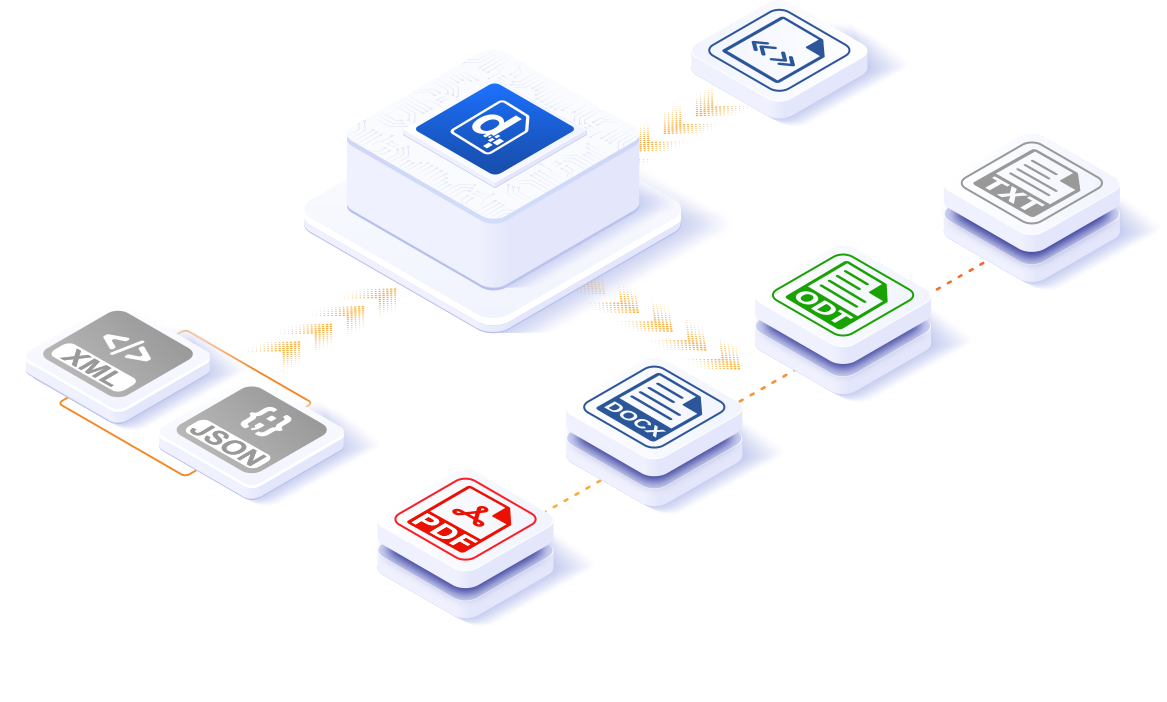
Data, Templates and Generated Documents
Docmosis is primarily used for creating professional paginated business documents.
- Send data using common formats, such as JSON or XML.
- Templates can be created, using Word or Writer, in DOCX or ODT.
- Output generated documents in: PDF, DOCX, ODT or TXT.
Because templates are created in formats that naturally use pages, one of the advantages of template-based document generation is that page-based concepts (headers/footers/page numbering) flow through to the generated documents.
Does your application need to generate documents in more than one format? Docmosis can generate the same document, in multiple formats. For example: generate matching documents in PDF and DOCX at the same time.
The Engine
Document generation can be CPU, Memory and IO intensive.
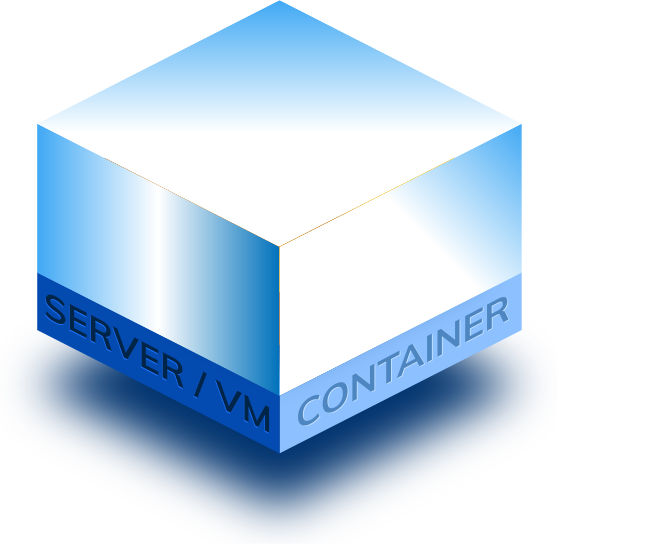
Docmosis pre-processes each template to produce an optimized copy that is cached, ready for when it’s needed. An optimized template means that, rather than building the whole document in memory, the merge operation can be performed as a stream.
Another key Docmosis feature are the converters. These are independent machine processes that perform the bulk of the processing: conversion from the template format to the output format.
This unique and elegant architecture is the secret to how Docmosis can deliver such an impressive document generation experience.

Decouple Document Design
Deliver document changes faster.
A hidden advantage of templates is that, once they are changed and deployed, they become immediately available.
This means that document layout and content changes can be performed outside of, often lengthy, software development lifecycles.
Developers and non-developers can now deliver document changes, without the need to update or redeploy the main application.
Fast, Reliable and Scalable
Change your expectations from Seconds-per-Page to Pages-per-Second.

Fast
The stream-based approach to merging data with an optimized template means the time to generate a single page is typically sub second.
Combined with the ability to run multiple distributed converters, this enables Docmosis to generate documents, in parallel, at impressive speeds.
Customers rely on Docmosis to run batch jobs resulting in hundreds-of-thousands of documents per hour.

Reliable
Document production is nearly always business-critical. Outages are not an option.
The Cloud service leverages AWS to host the Docmosis engine and provide multi-region processing options that scale under load.
Since 2016 the Cloud service has been tested, every 60 seconds, with publically available uptime reports. You can expect the same reliability from each of the products.

Scalable
Docmosis has been designed for high performance and load distribution.
The unique Converter based approach allows Docmosis to be configured so that the processing load can be distributed over multiple servers.
Whether you are considering the Cloud service, or self-hosting Tornado or Docmosis-Java, you can expect the service to be robust, consistent and always available.
FAQs
What is Docmosis?
Docmosis is an API-first, template-based document generation engine. Applications call the API with data and document instructions, and Docmosis merges the data with templates to generate documents.Docmosis enables teams to add document generation to their business applications without building and maintaining their own engine.
Can Docmosis generate complex document layouts?
Yes. Docmosis templates combine Word or LibreOffice’s advanced layout and formatting features with the rich Docmosis template syntax refined through more than a decade of development and customer feedback. This powerful templating combination enables the generation of complex documents that lay out in a predictable manner.
Do I need a developer to create or update Docmosis templates?
Non-developers can create and update Docmosis templates in Word or LibreOffice, adding plain-text placeholders to control where dynamic content appears. This approach reduces developer involvement in regular document wording and layout changes.
Can I call the Docmosis API from my application or platform?
Yes. Custom-built applications and third-party platforms can call the Docmosis REST API using compatible HTTP requests. A choice of data formats, content-types and authentication options makes integration straightforward, so integrators can use the approach that best fits the calling application.
What makes Docmosis fast at generating documents?
Docmosis pre-processes templates into an optimised form and caches them ready for use. That reduces the template-processing work required for each request, so users spend less time waiting for generated documents.
How reliable is Docmosis document generation?
Cloud’s monthly uptime has consistently exceeded 99.9% for over a decade, with most months at 100%. Public monitoring has tested an actual document generation API request every 60 seconds since 2016, recording both uptime and response time. The underlying engine is designed to handle simultaneous requests and scale processing across multiple servers, supporting reliable document generation as demand changes.
Title
Build a detailed proof of concept.
Explore template logic, API integration and document layout.

- Quick-start videos and detailed documentation
- Trial extensions available
- Support from day one
No credit card required